

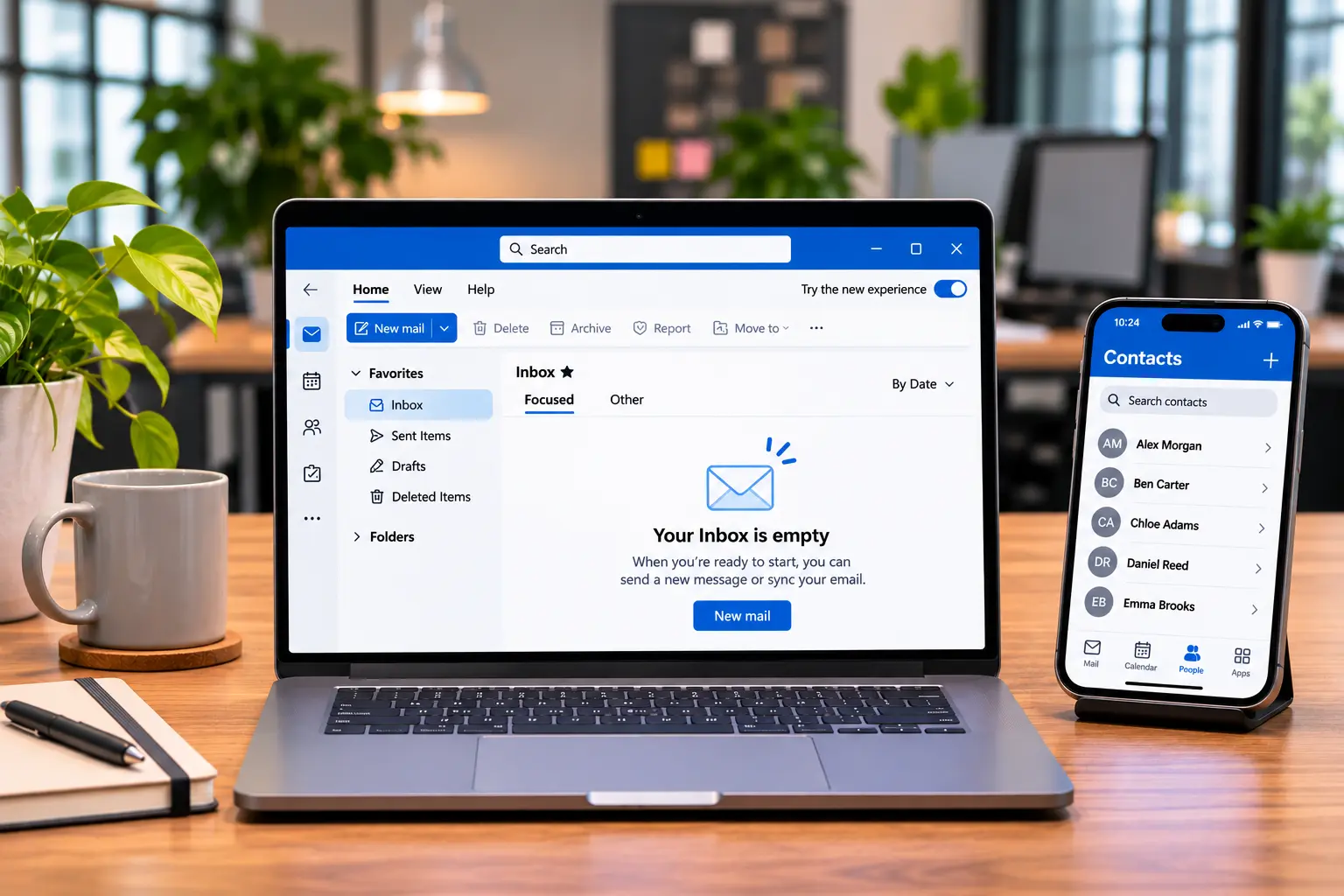
What happened in last week’s Microsoft 365 outage?
Problems began at around 6pm UK time on Thursday 12 November and hit services that depend on Exchange Online, Microsoft’s cloud email system. Outlook, calendars, parts of Teams and Copilot were affected in more than 70 countries. Microsoft says service was restored to all customers early on Saturday 14 November.
Microsoft called it “a technical issue not related to cyber or AI / agents”, introduced during “an earlier network capacity upgrade that surfaced following a recent network change”, according to The Verge. It has promised a full post-incident report. Services that didn’t need Exchange Online kept working, The Register reported.
In the UK, the BBC reported disruption at parts of the NHS, schools and police forces. Royal Mail said email notifications about deliveries might be affected. Some businesses went back to paper or moved conversations to WhatsApp.
Why does a day without email hurt a manufacturer?
Because so much of the work around the factory runs through the inbox. Purchase orders, customer schedule changes, delivery bookings, supplier confirmations and quality queries often arrive by email. The line may keep running, but if the office can’t see what’s coming in, the problems show up a day or two later.
It isn’t the machines that stall. It’s the IT behind them. Think about which customers send orders by email, which haulier books collection slots by email, and where shift handover notes live. If they sit in Teams or a shared mailbox, they’re part of your production process, whether anyone planned it that way or not.
Delayed mail is a second problem. The BBC reported that Microsoft extended its email “timeout window” to 48 hours to protect delayed messages while delivery caught up. That helps, but anything time-critical sent or expected during the outage is worth confirming with the other side.
How many UK businesses have a plan for this?
Not many, on paper. In the government’s Cyber Security Breaches Survey 2025/2026, a third of UK businesses (33%) said they had a business continuity plan that covered cyber security. That rises to 73% of medium businesses but falls to 44% of small ones, down from 53% the year before.
That survey asks about cyber security, and this outage wasn’t an attack. The plan you need is largely the same, though. Whether email is down because of a fault at Microsoft or ransomware on your own network, people need to know who decides, how to reach each other and what can wait. The same survey found only 25% of businesses had a formal incident response plan.
What should a plan B for a Microsoft 365 outage include?
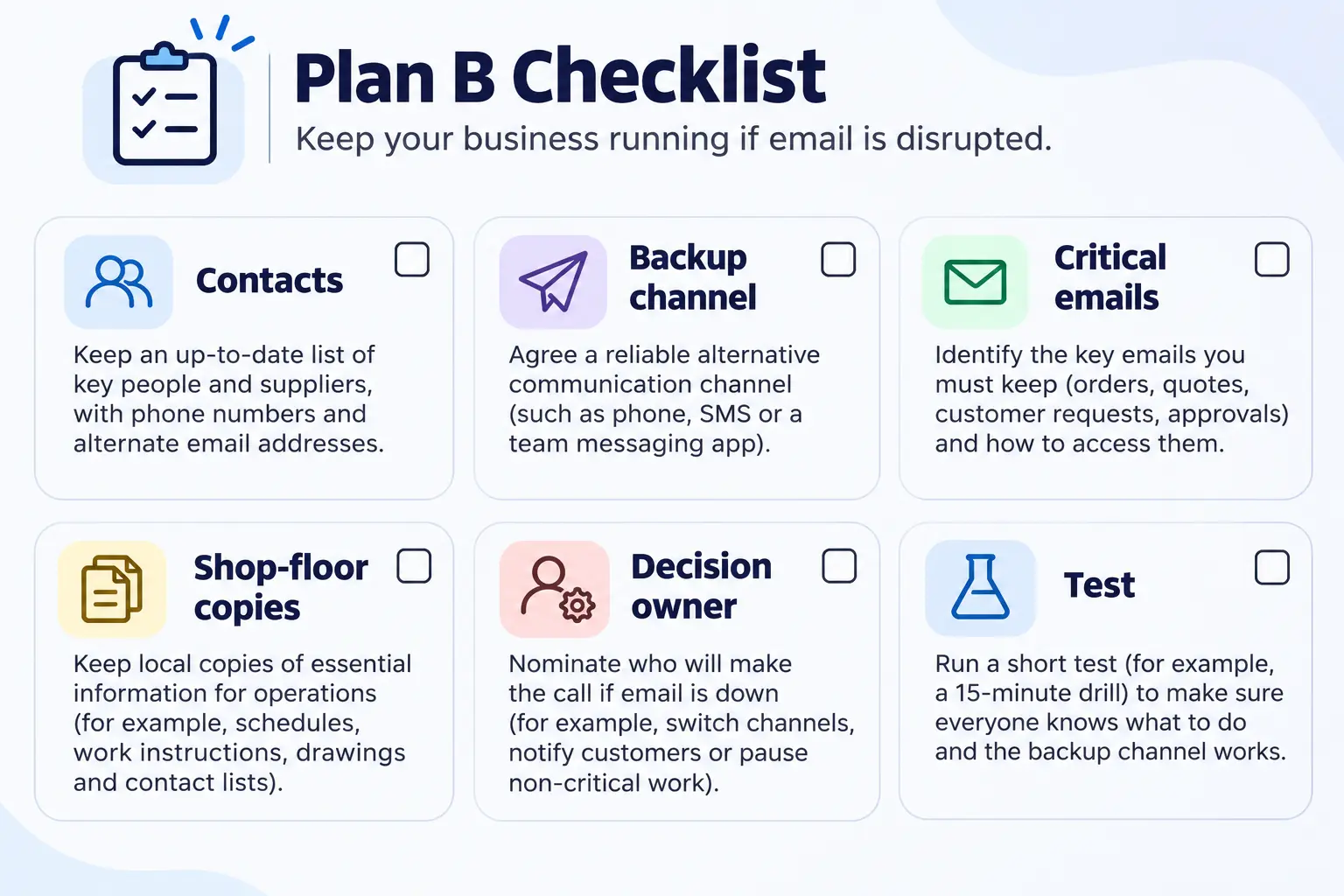
- A contact list that isn’t in Outlook. Phone numbers for staff, key customers, suppliers and hauliers, kept somewhere you can reach without Microsoft 365. The NCSC’s small business guide also suggests listing outside contacts, such as your IT support and cloud provider, with what each contract covers.
- An agreed backup channel. Decide in advance which channel staff use if Teams is down, and who signs it off. Making it up on the day is how company information ends up in personal WhatsApp groups.
- A short list of critical emails. Orders, schedule changes and delivery bookings. Name who phones which customer or supplier to confirm them while email is down.
- Copies of what the shop floor needs. If work instructions or production schedules live only in SharePoint or OneDrive, decide which must be available without them.
- One person who owns the decision. Someone decides when to switch to plan B and when to switch back, and tells everyone.
- A test. The NCSC says many plans fail in practice and recommends exercising them. Its free Exercise in a Box is one place to start. So is a 30-minute discussion that starts: “It’s 8am and email is down. What do we do?”
How can you tell whether it’s Microsoft or your own systems?
Check Microsoft’s service health before anyone starts troubleshooting. Admins can see it in the Microsoft 365 admin centre. If you can’t sign in there, Microsoft points to its public service status page and its Microsoft 365 Status account on X. Knowing quickly that it’s a wider outage saves hours of wasted effort.
Microsoft explains this in its guide on how to check Microsoft 365 service health. Make it part of plan B: who checks, where, and how the answer reaches staff. If a provider looks after your IT, ask how they’ll tell you what’s happening when email may not be working. A text message or a phone tree beats an email that never arrives.
Why did scam calls follow the outage?
- Microsoft 365 services that rely on Exchange Online were disrupted from Thursday evening, 12 November, to early Saturday, 14 November. Microsoft says it was a technical fault, not an attack.
- For manufacturers, the risk sits in orders, bookings and schedules that arrive by email, not in the machines.
- Only 33% of UK businesses have a business continuity plan that covers cyber security.
- Keep contact details outside Microsoft 365, agree a backup channel, name a decision-maker and test the plan.
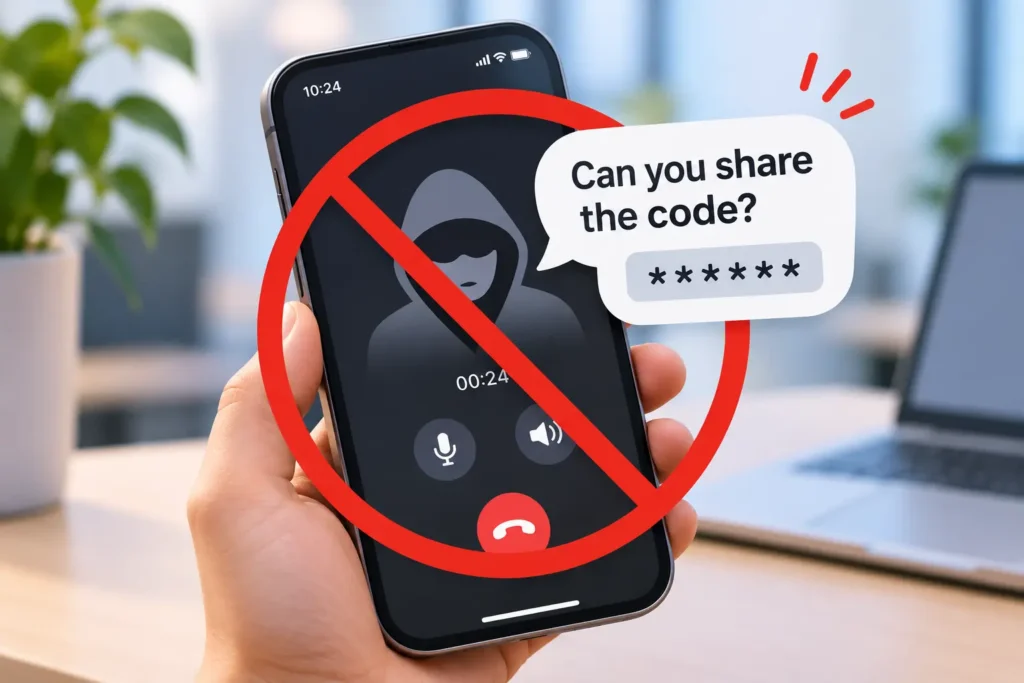
- Expect scam calls after any big outage. Real IT support won’t ask for passwords or MFA codes.
FAQ
Was the Microsoft 365 outage a cyber attack?
No, according to Microsoft. It described a technical issue “not related to cyber or AI / agents”, introduced during an earlier network capacity upgrade that surfaced after a later network change. Microsoft has said it will publish a full post-incident report once its review is complete, which should give more detail on the cause.
Could we have lost emails during the outage?
Many messages were delayed rather than lost. The BBC reported that Microsoft extended its email timeout window to 48 hours to protect delayed messages while delivery caught up. If anything time-critical was sent or expected between 12 and 14 November, confirm it directly with the other party rather than assuming it arrived.
Do we need a second email provider as a backup?
Not necessarily. For many smaller businesses, a written plan B, contact details kept outside Microsoft 365 and an agreed backup channel cover most of the risk. Email continuity services exist, but they add cost and complexity. Weigh them against how long your business could realistically operate without email.
How often should we test a business continuity plan?
The NCSC says business continuity and recovery plans should be tested regularly, with a full exercise where possible, because many plans fail in practice. For most small and medium businesses, a short tabletop exercise once a year, plus a review after any real outage like this one, is a sensible starting point.
What should you do next?
This week, while the outage is fresh, ask three questions. Could we reach our key customers and suppliers without Outlook? Which channel would staff use if Teams was down? Who would decide when to switch? If the answers aren’t written down, spend an hour writing them down, then test them with a short exercise.
TekXera helps UK businesses plan for the IT behind day-to-day operations as part of managed IT. If you’d like a second pair of eyes on your plan B, get in touch.